Mission to Kenya 2026 | Kangemi, Nairobi, Kenya | 19 June – 26 June 2026
by Kennesha M. Walker
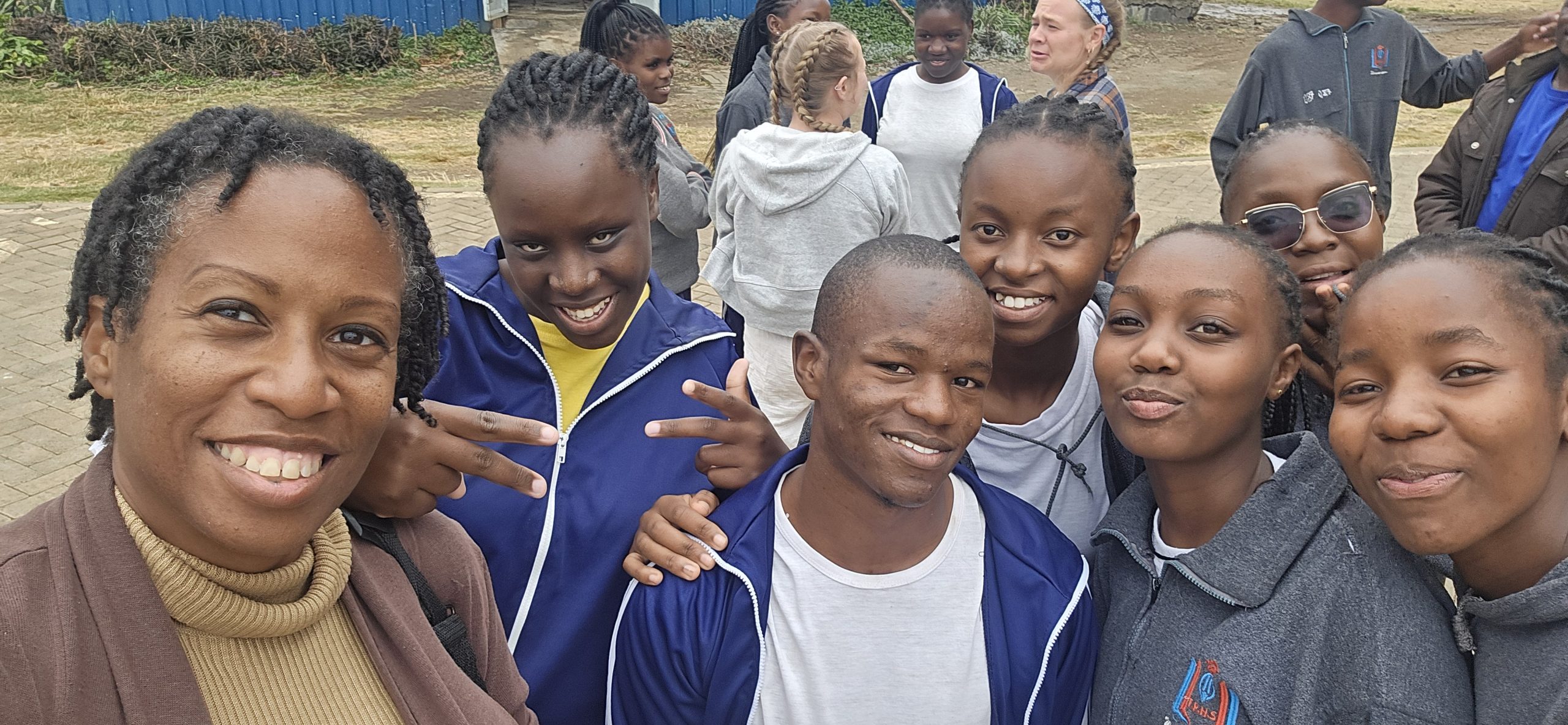
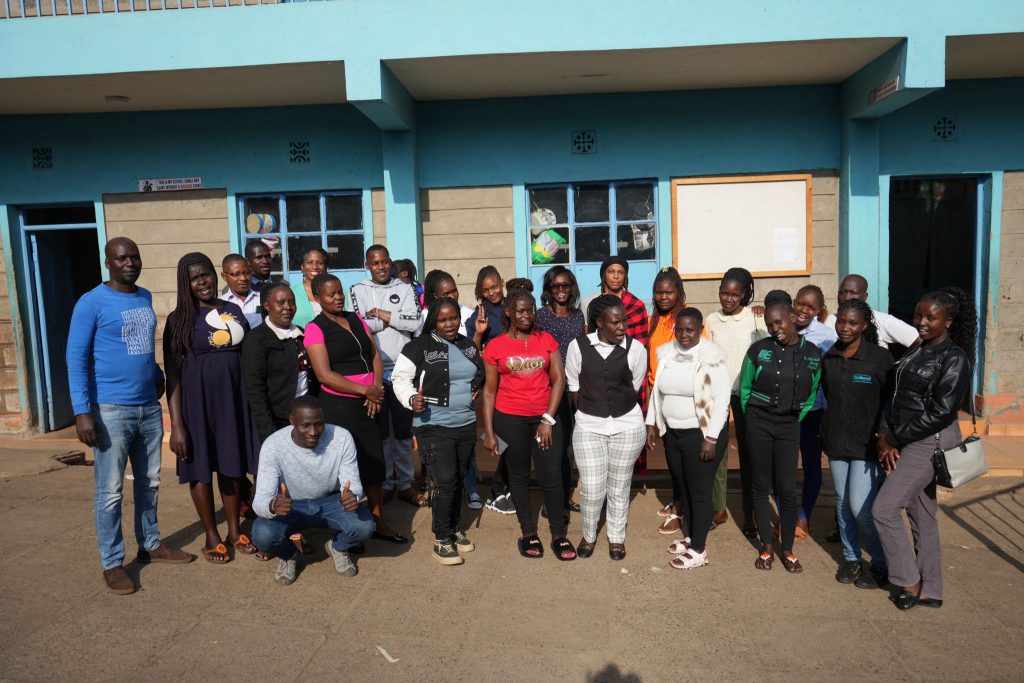
For two weeks during the summer of 2026 (June), I spent time in Kangemi, Nairobi, Kenya, working alongside teachers and students at Grace Harvest Academy & Junior School. I went there with a simple goal: to share knowledge, support teachers, and help strengthen digital literacy in a practical and sustainable way.
Once I began working directly with the teachers and observing the needs of the computer lab, the mission began to take shape in ways I had not fully planned before arriving.
From the beginning, my primary focus was not to become the students’ main technology teacher. I knew my time at the school was temporary, and I did not want the work to depend on whether I was physically there. The heart of the mission became a train-the-trainer model, where I could invest in the teachers who would continue working with their students after I returned home.
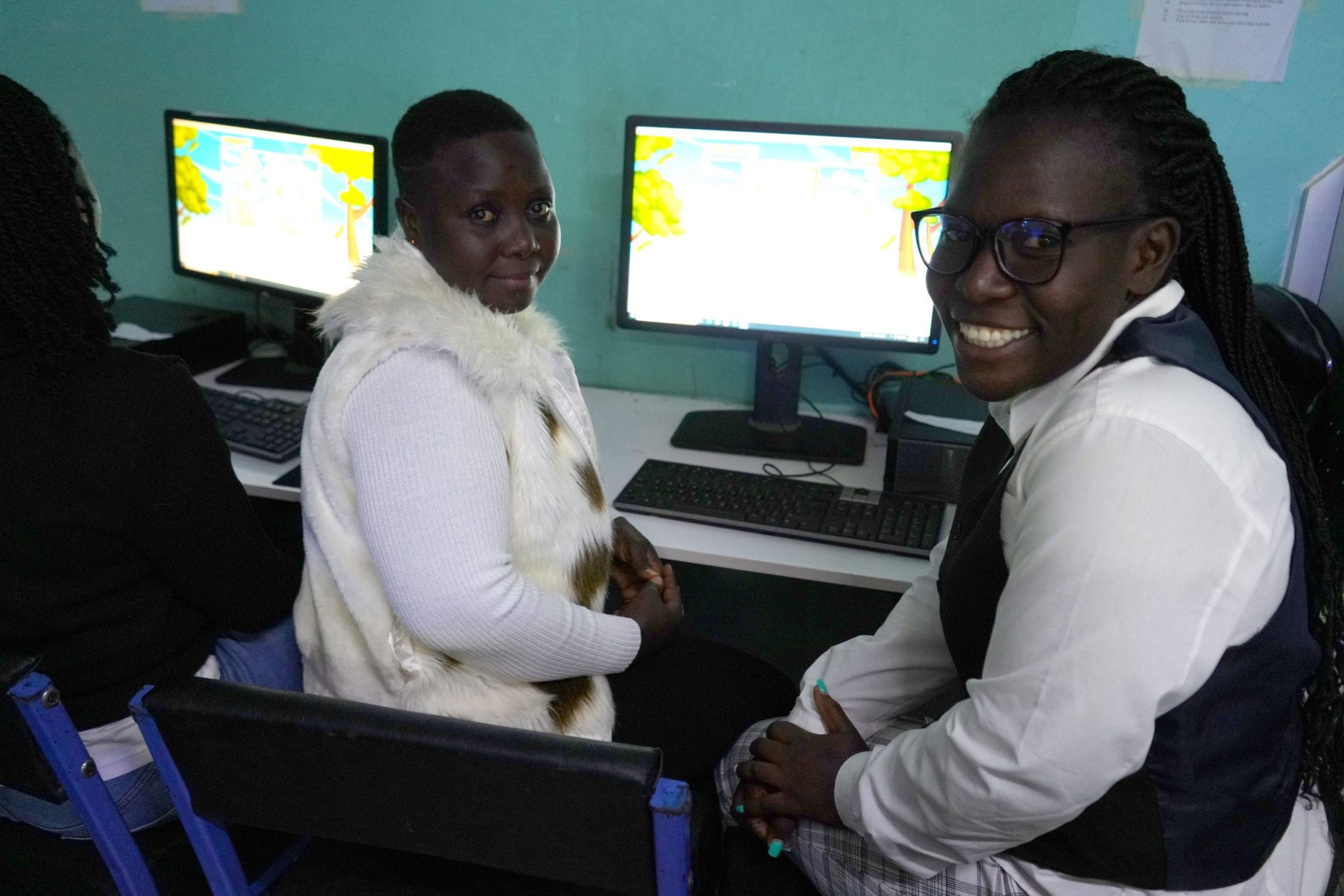
I began by helping the teachers strengthen their own digital skills, explore educational resources, and think about how technology could be incorporated into lessons they were already teaching. Students were later brought into the computer lab while their teachers were present, allowing the teachers to observe, participate, ask questions, and eventually continue the instruction themselves. I wanted my role to be one of support by modeling effective practices, helping establish a foundation, and providing resources the teachers could continue using after I returned to the United States.
Starting With the Teachers
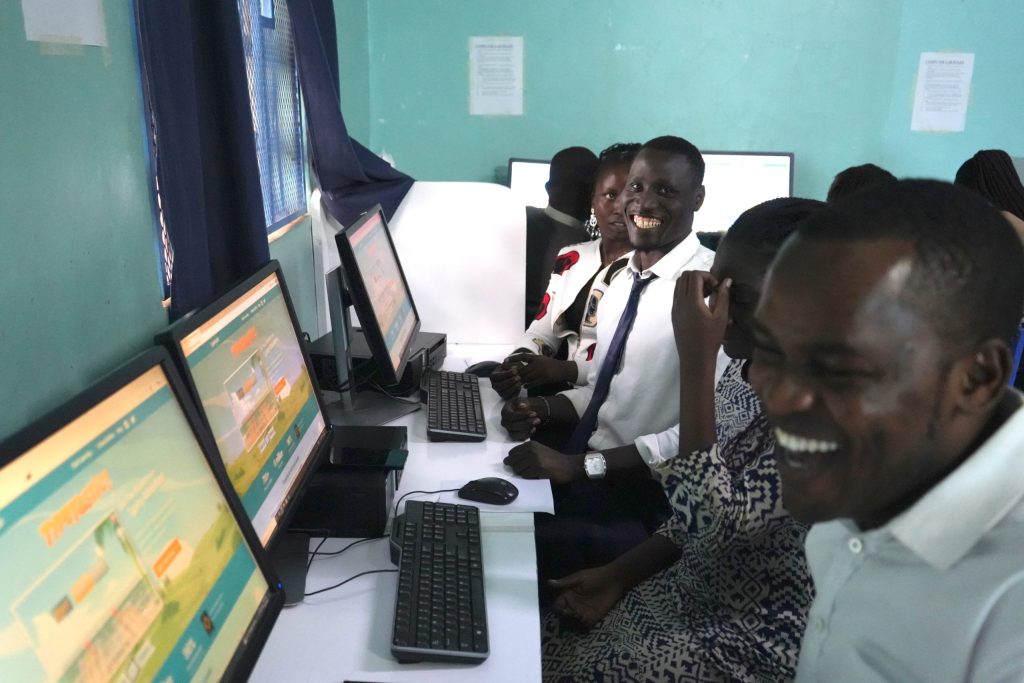
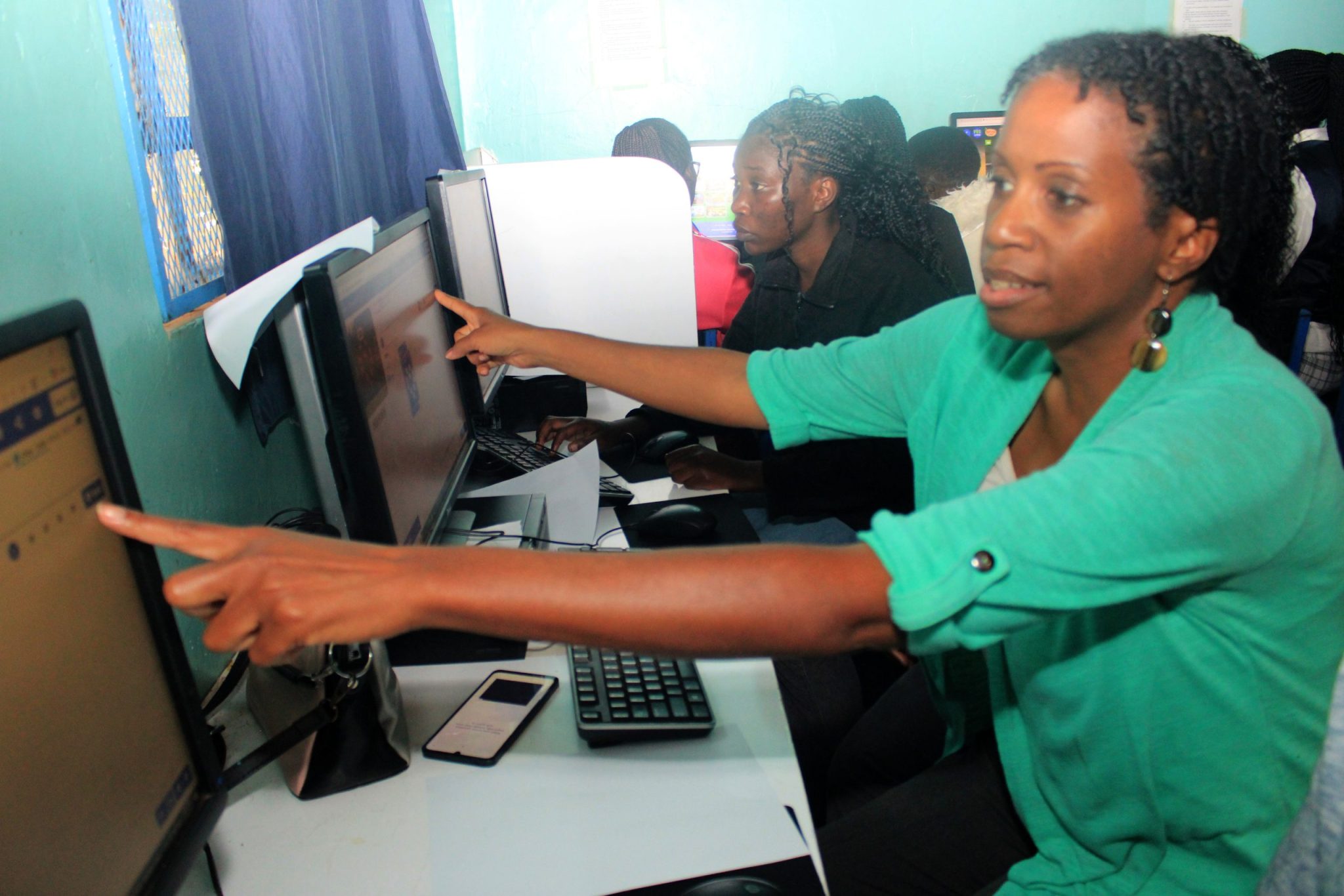
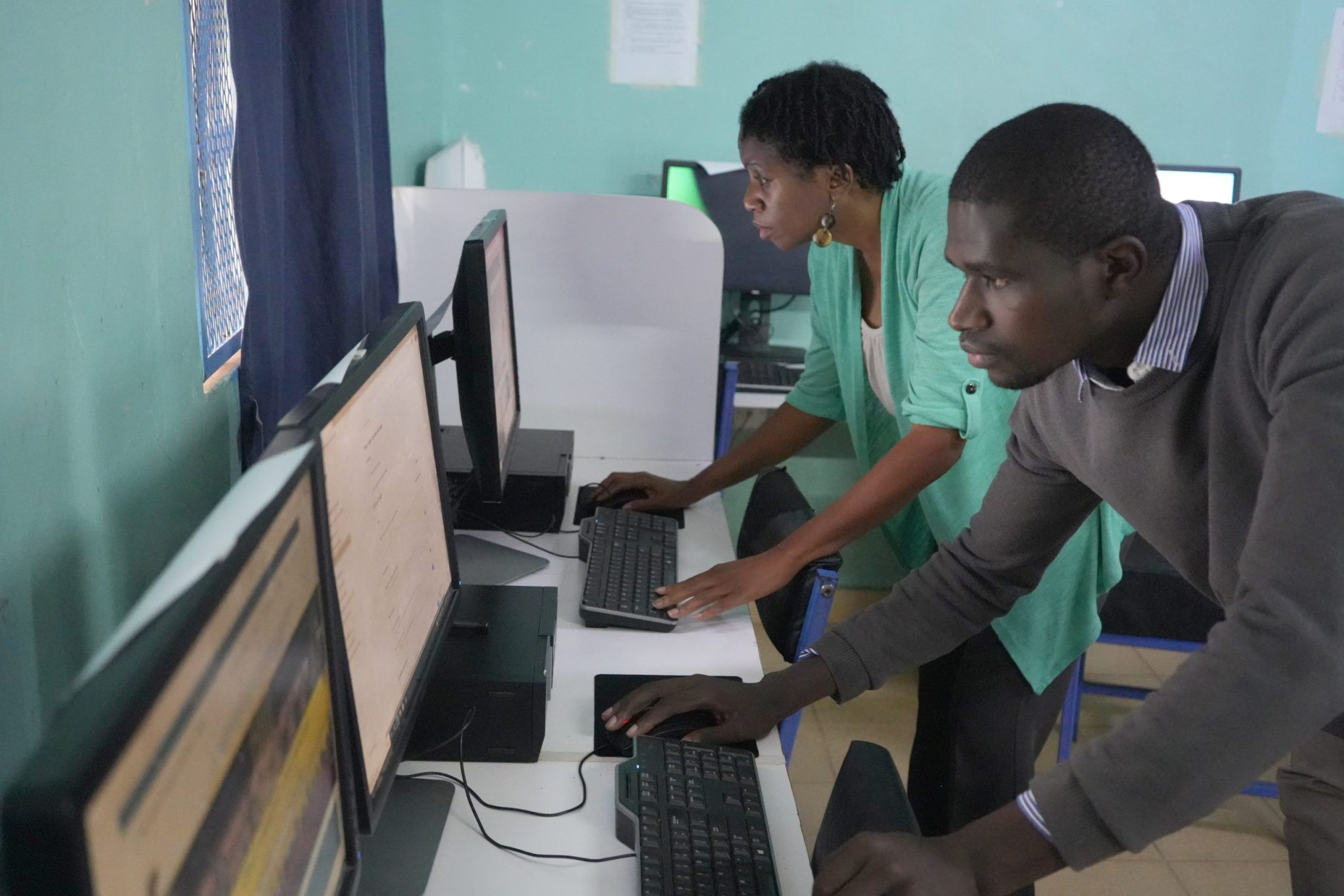
Before bringing students into the computer lab, the teachers needed an opportunity to use the space as learners themselves. They were given dedicated time without learners so they could become more comfortable with the computers. We worked on typing, navigating online resources, exploring educational activities, and understanding how different digital tools could be incorporated into classroom instruction.
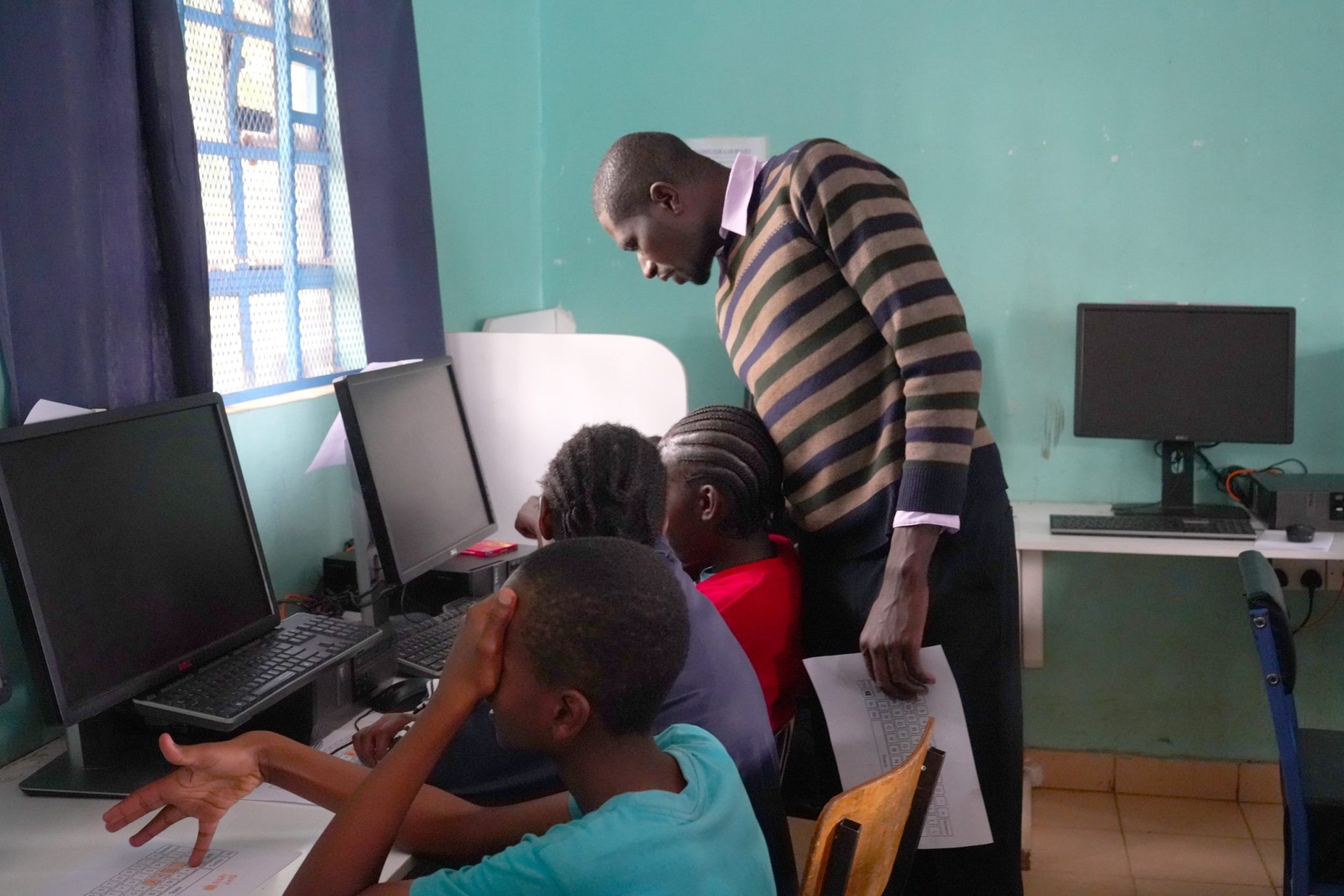
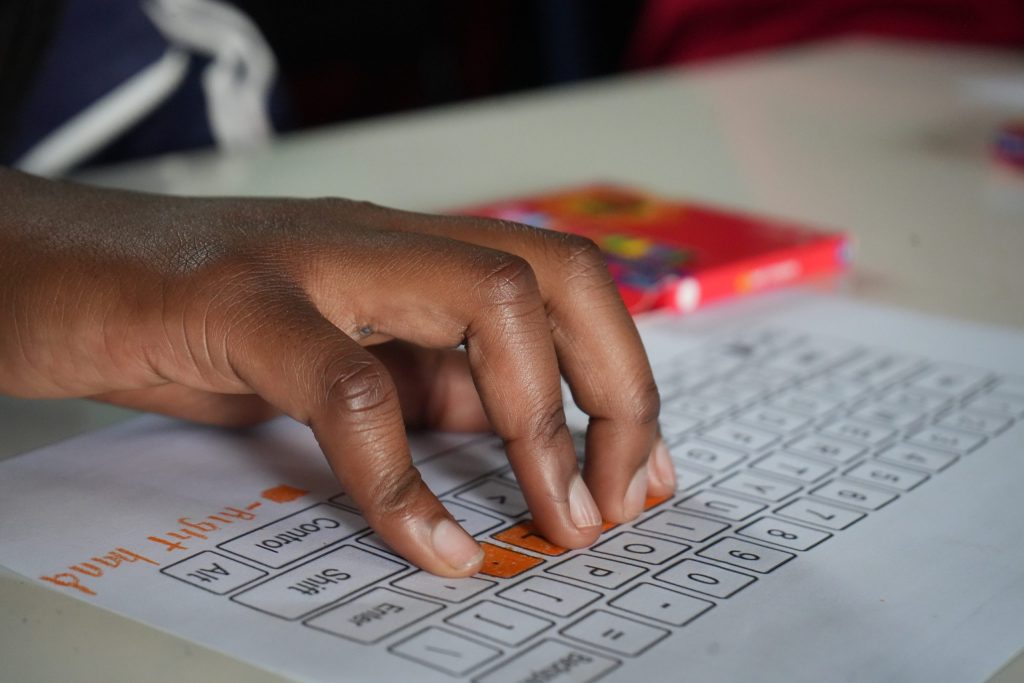
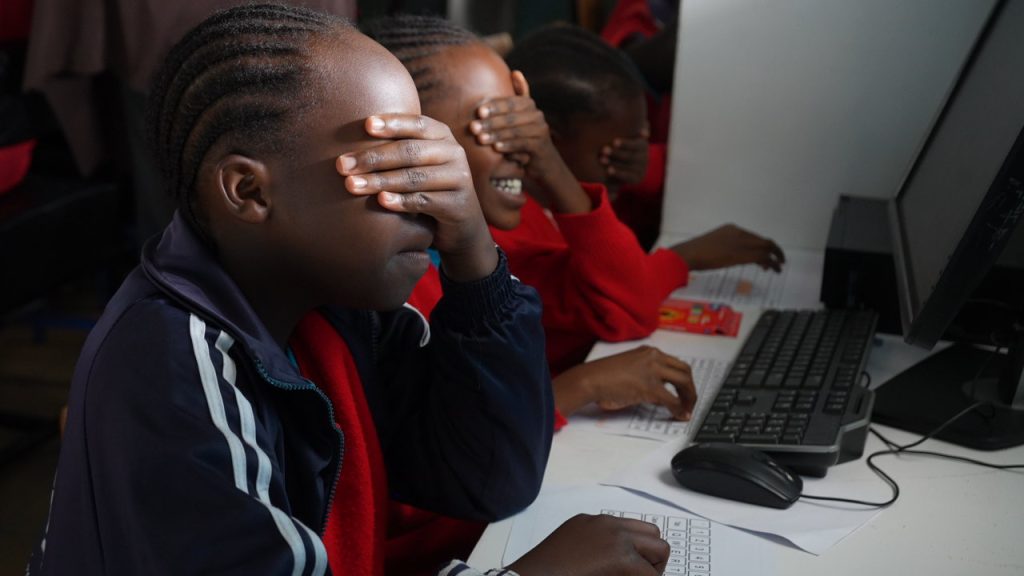
Typing became one of our starting points because using a computer is different from using a mobile phone. Someone may be comfortable navigating a smartphone and still need practice using a keyboard, mouse, browser, computer interface, and the other features required to complete work on a desktop computer.
The digital assignments students complete in the future may require them to type responses, navigate programs, follow written instructions, conduct research, enter information, create projects, and save or manage digital work. Instead of moving immediately into more advanced technology activities, I wanted the teachers to strengthen the foundational skills that would help them guide students through those experiences and then help their students develop those same skills.
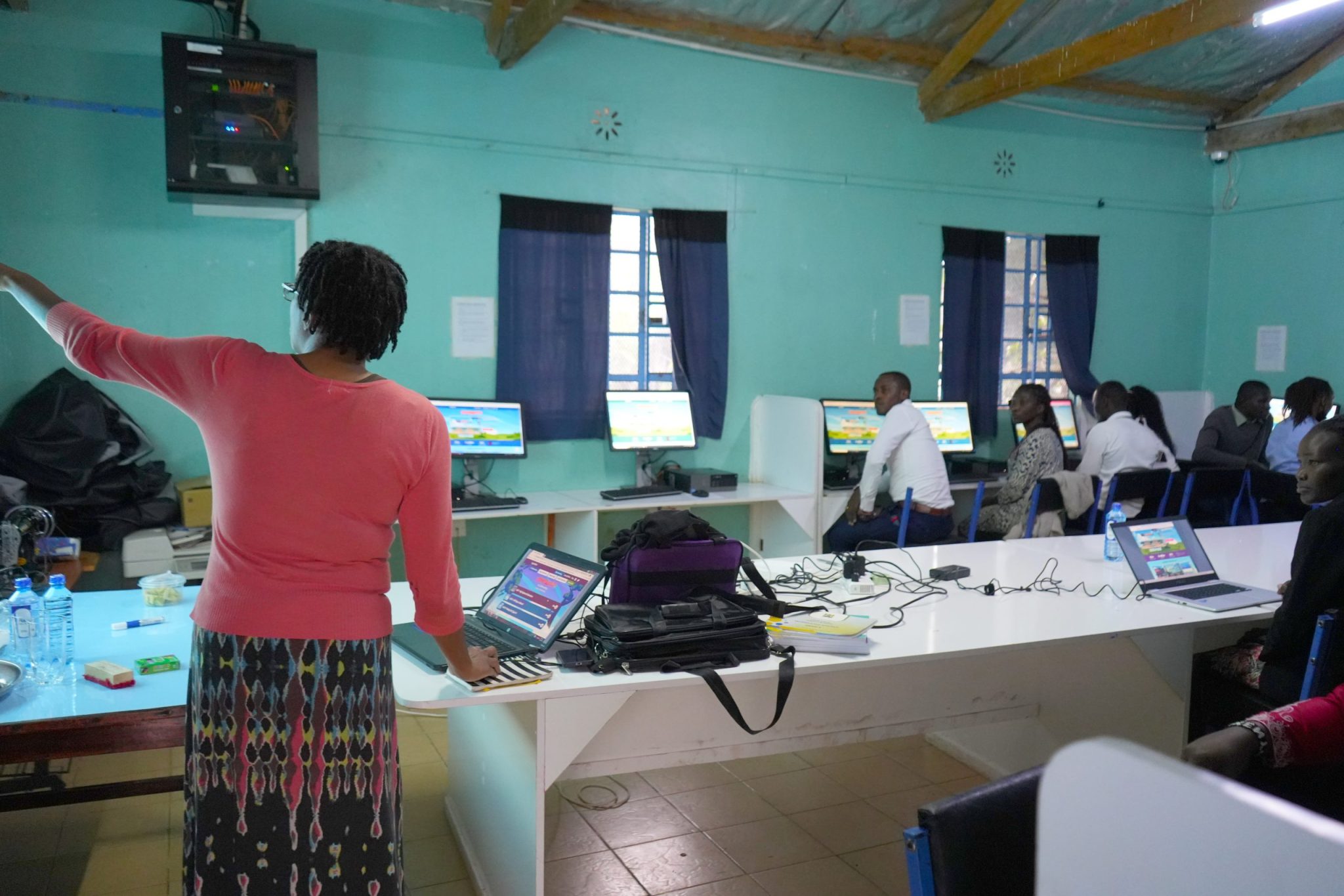
Working through that process reinforced something I continued to see throughout my time in the lab: digital literacy involves much more than placing someone in front of a computer. Students and teachers need opportunities to progressively learn how the technology works, become comfortable using it, and understand how to use it for a purpose. This became development part of the foundation for the Keyboarding Mastery Progression Framework. The framework grew from what I was observing in the school rather than having a developed structure already completed.
Teachers Exploring as Learners First
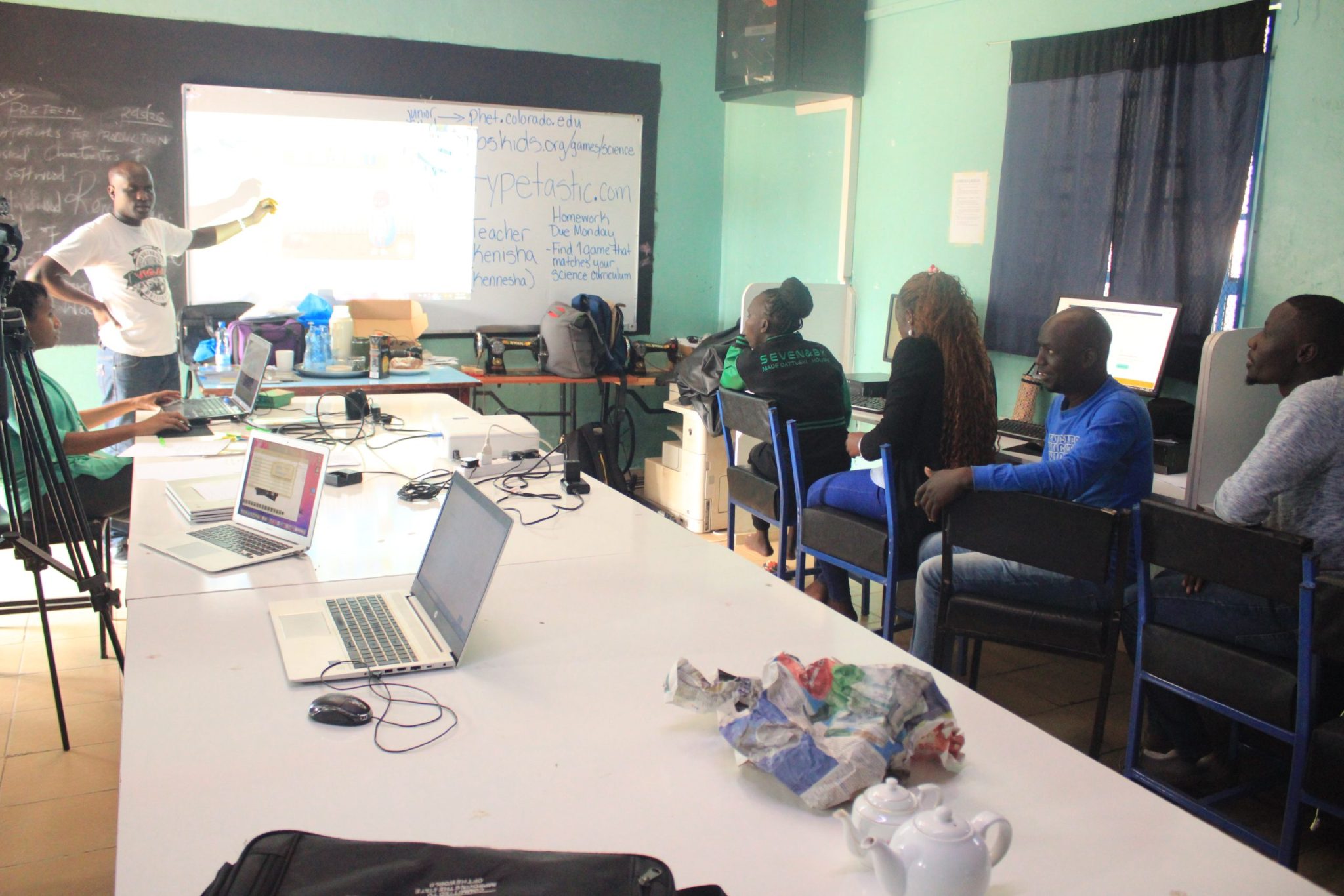
Another part of the teacher training involved exploring online educational resources. The teachers were given time to look through digital science activities and identify resources that connected with what they were already teaching. Each teacher selected an activity and presented it to the group.
I did not want to simply arrive with a collection of websites and tell teachers what they should use. Giving them time to explore the resources for themselves allowed them to consider how an activity might actually work with their students. They could think about which concepts it reinforced, what they would need to explain beforehand, how students might interact with it, and what challenges could arise once an entire class entered the computer lab. In that way, the teachers were not only receiving resources. They were beginning to evaluate them from the perspective of their own classrooms.
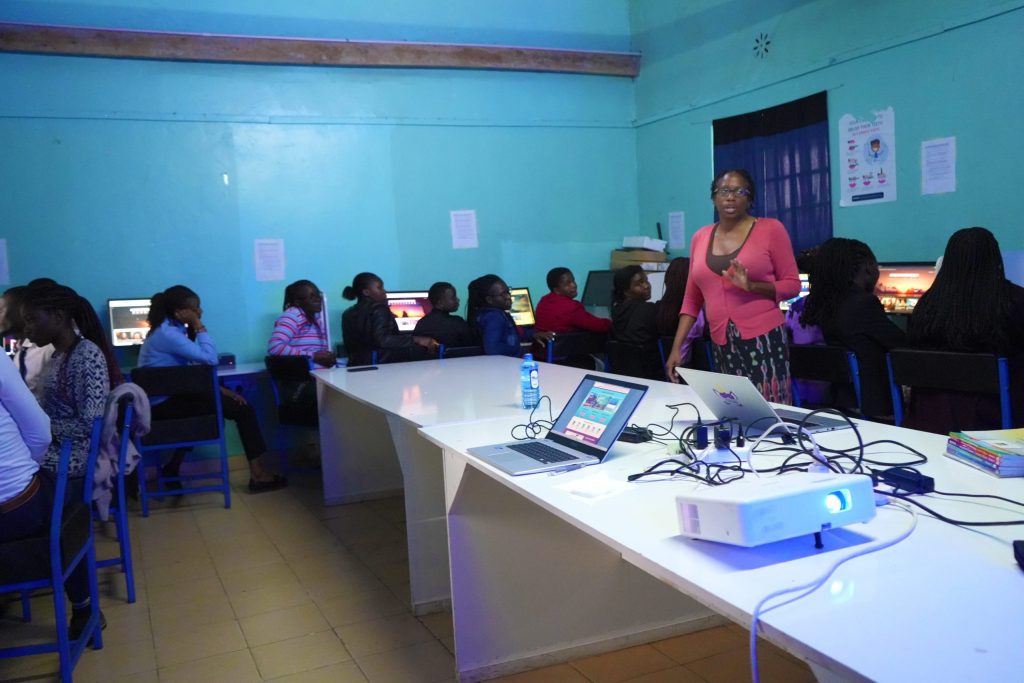
These knowledge-sharing sessions also created an opportunity for teachers to learn from one another. Instead of professional development functioning only as information moving from me to the teachers, educators could share what they discovered, explain why they selected a resource, and discuss how it might support classroom instruction. As a result, the collaborative process became part of what I now recognize as the beginning of the Founding Educator Cohort at Grace Harvest Academy & Junior School. Their participation informed the curriculum and instructional resources that developed from the mission, including the learning objectives, success criteria, implementation ideas, and practical approaches that would later be incorporated into the Keyboarding Mastery Progression Framework and Digital Classroom Companions.
Although much of our initial exploration focused on science, the larger application was not limited to one subject. Digital resources can support English, Kiswahili, mathematics, social studies, science, creative learning, and other areas of the curriculum. Once teachers understand how to identify, evaluate, introduce, and manage a digital resource, they can adapt that process according to the subjects and grade levels they teach.
I wanted the teachers to begin seeing the computer lab as more than a separate room where students go to “learn computers.” With the right planning, it can become another instructional resource that supports learning throughout the school.
Connecting Digital Learning With Hands-On Technology
We also spent time exploring hands-on technology through micro:bits. Before expecting teachers to introduce unfamiliar equipment to students, I wanted them to have an opportunity to handle the devices themselves. They learned how to connect a micro:bits to the computer, follow instructions on the screen, use the buttons, and respond to actions such as shaking and tilting the device.
Through those activities, they were able to see the connection between physical movement, programming, and digital feedback. It also gave them an introduction to the type of learning that can happen when students are allowed to experiment rather than simply watch a demonstration or complete a worksheet. Students can press something, test an idea, make a mistake, adjust what they are doing, and observe what happens next. Teachers need space to go through that process themselves before they are responsible for guiding learners through it.
Allowing teachers to become familiar with the equipment also helps them manage it more confidently. They have a better understanding of how devices should be connected, handled, used, and stored, which becomes especially important when resources are limited and need to be maintained for future classes.
As I evaluated the school’s existing technology resources, micro:bits also became one of the areas I identified for future expansion. They could provide students with additional opportunities to explore computer programming, physical computing, problem-solving, and engineering concepts as the school continues developing its technology program.
A Computer Lab Needs More Than Computers
As the work continued, supporting digital literacy also meant looking beyond educational games and activities. Grace Harvest Academy & Junior School has a 14-computer laboratory, but having computers available does not automatically mean the lab is ready to function as a consistent instructional environment. Part of my work became standardizing and organizing those computers so teachers and students could use them more effectively. I worked through the machines to create more consistent software configurations, remove unnecessary applications, organize instructional software, and establish separate student, teacher, and administrator accounts. The goal was to make the computers easier to manage while also reducing the likelihood that students could accidentally install programs or make changes that affected the entire system.
Those changes were connected to a larger concern I had about sustainability. A school computer lab needs procedures for how software is installed, who is allowed to make system changes, how online educational resources are maintained, and who is responsible for routine oversight. For that reason, I also began developing recommendations for ongoing computer-lab management. This included identifying teachers who could serve as technology leaders within the school, establishing clearer software governance procedures, and creating a process for reviewing and maintaining the online instructional resources teachers use with students.
Students also need to understand what responsible computer-lab use looks like. Waiting for instructions, taking turns, handling equipment carefully, remaining on the assigned activity, and properly closing programs when a lesson is finished are all skills that support a functioning digital-learning environment. Digital literacy includes learning how to navigate technology, but it also includes learning how to use shared technology responsibly.
Looking at the Technology Infrastructure as a System
Working in the lab also required me to think beyond individual computers and look at the school’s technology infrastructure as a larger system. The school already had several important foundations in place, including computers, a computer lab, a network, internet access, a projector, teachers willing to learn, and leadership that recognized the importance of digital literacy. Once those resources began being used more intentionally, it also became easier to see where future improvements could strengthen the system.
One of those areas was power stability.
Because computer-based instruction depends on reliable electricity, I recommended that the school consider uninterruptible power supplies, or UPS units, as a future infrastructure improvement. A UPS can provide temporary backup power and additional protection for computers when electricity is interrupted, helping reduce disruptions during instruction and supporting the long-term care of the equipment. This recommendation came as a result of experiencing a power outage right before the first class came to the computer. I also encouraged the school to continue expanding hands-on technology resources such as micro:bits and to think about sustainable technical-support practices as the computer lab grows.
Those recommendations were not based on the idea that everything needed to be replaced or rebuilt. I wanted to look at what the school already had, identify where the system was vulnerable, and help create a clearer pathway for future development.
Modeling Before Students Begin
One resource the school already had was a projector, and it became useful in thinking about how teachers could introduce digital activities before students began working independently.
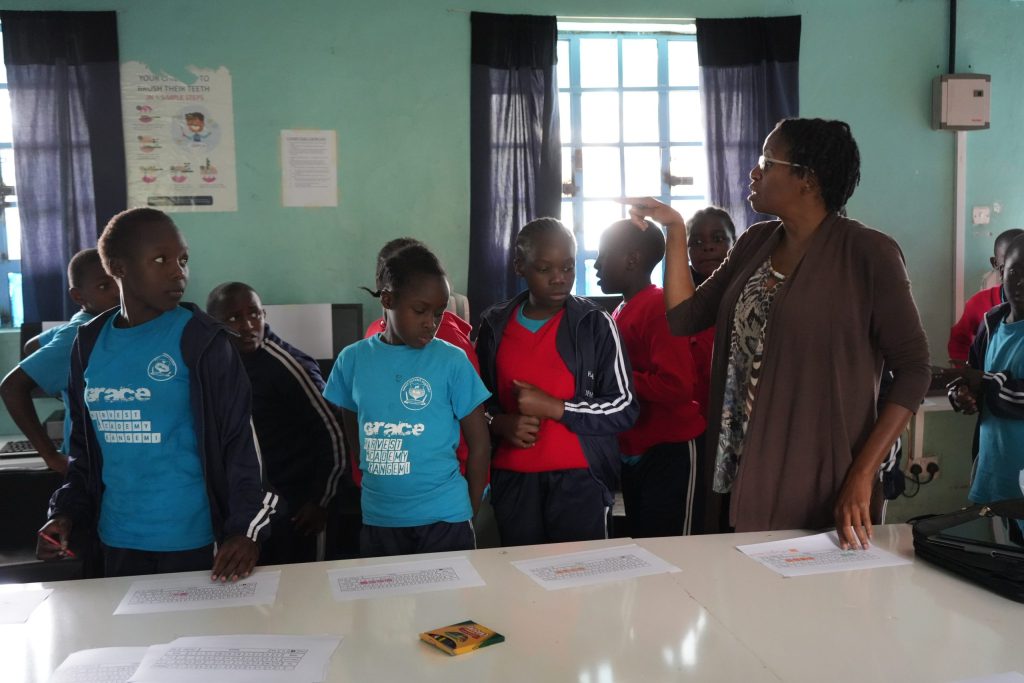
When students are still learning how to navigate computers, being able to see the teacher demonstrate an activity can make the process easier to understand. Instead of immediately placing students at individual computers and expecting them to determine what to do, the teacher can first demonstrate the process for the entire class. Students can see where to click, hear the instructions, understand the purpose of the activity, ask questions, and then move to the computers with a clearer understanding of what they are expected to accomplish. This was part of the larger approach I wanted to communicate throughout the professional learning sessions. Technology integration works best when the technology supports the instructional goal instead of becoming the lesson by itself.
Digital literacy is not measured simply by having access to a computer. Students should gradually learn how to use the tool, understand why they are using it, retain what they learn through the activity, and eventually apply that knowledge to other assignments and projects.
Bringing the Students Into the Process
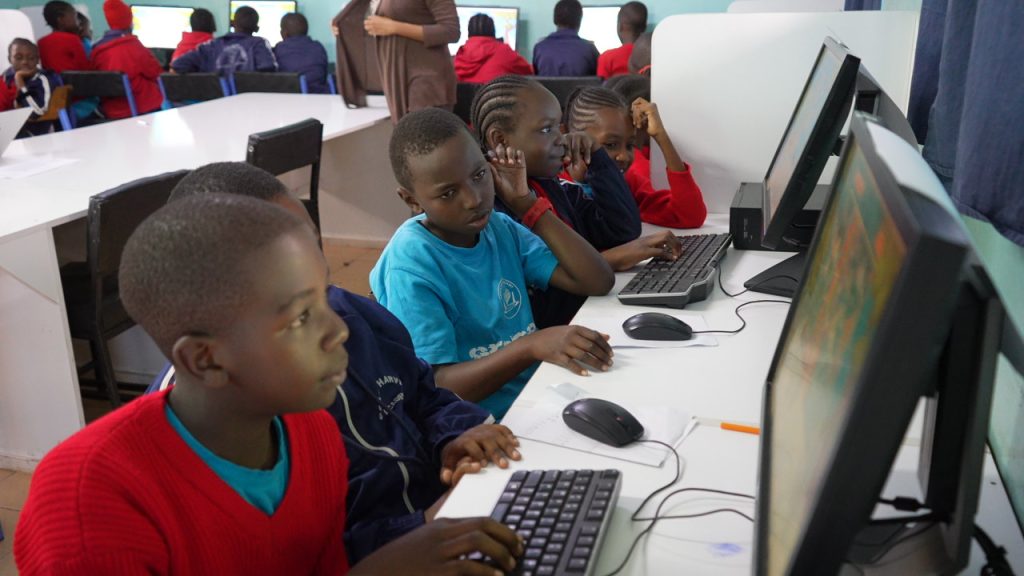
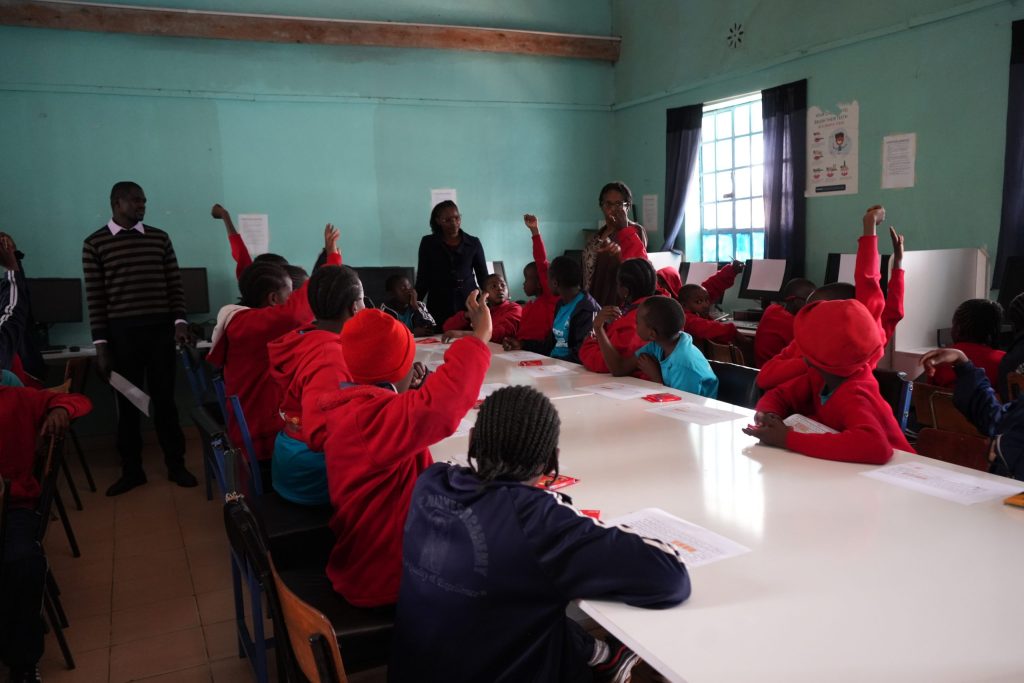
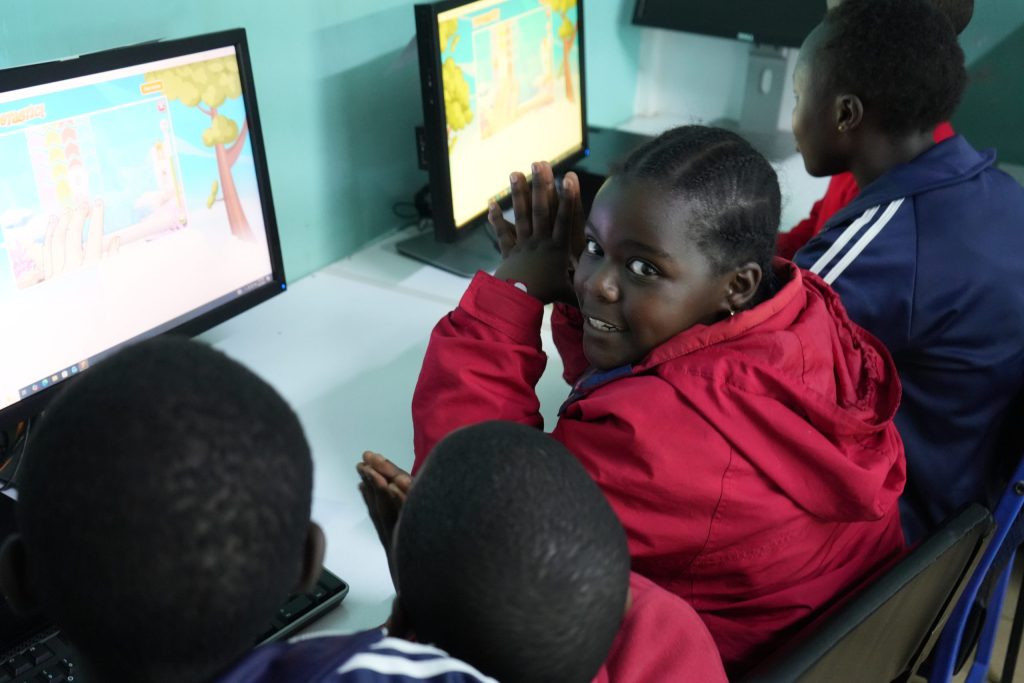
After the teachers had time to explore the resources themselves, students were brought into the computer lab with their teachers. Students practiced using the computers, navigating activities, following instructions, sharing equipment, and working with one another. At the same time, teachers could observe what their students understood easily, where they struggled, what questions emerged, and how the digital activities could be managed within the realities of their own classrooms.
This was how I wanted the train-the-trainer model to function. I was not teaching the students separately while their teachers remained outside of the experience. The teachers were learning alongside their students and seeing firsthand what technology integration could look like in their own school. My role was to model and provide initial support. Their role was to take what was useful, continue developing it, and adapt the process according to the needs of their learners. By strengthening teacher capacity instead of centering the work around an outside technology instructor, the computer lab could gradually become a resource that supported different areas of learning throughout the school.
Building With What Was Already There
Grace Harvest Academy & Junior School already had several pieces that could support continued digital learning. What was needed was a way to bring those pieces together more intentionally. Having computers is only the beginning of developing a digital-learning environment: teachers need training, students need practice, procedures need to be established, educational resources need to be identified, equipment needs to be maintained, and someone needs to know how software and accounts are managed. As the lab is used more consistently, the school can also gain a clearer understanding of where additional technology, technical support, or professional development may be needed.
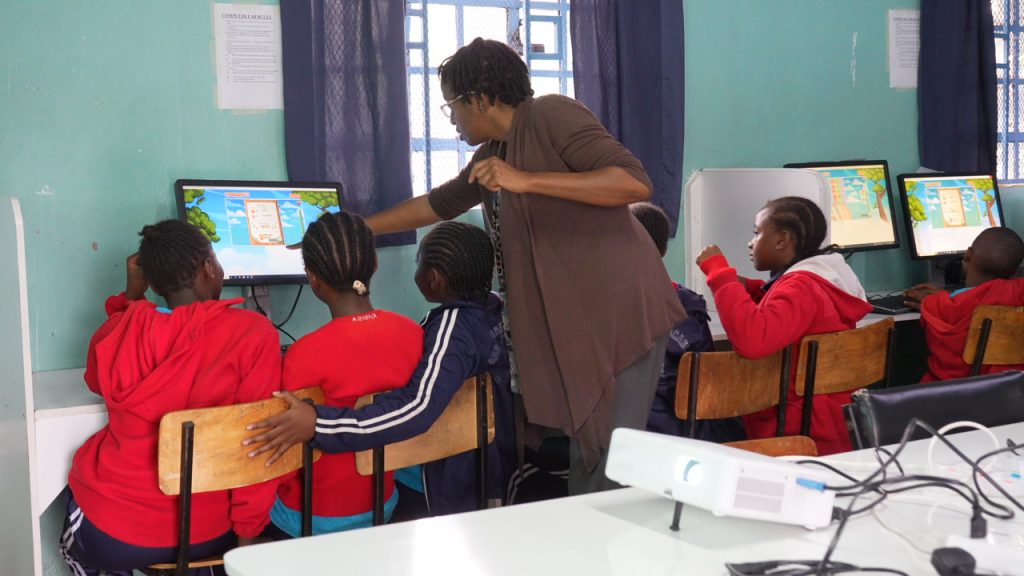
There were limitations during my time there. Students sometimes needed to share computers and rotate through activities, and the computer lab did not have the equipment to accommodate. I am a strong believer, however, in beginning with the resources that are already available. It may be uncomfortable at the beginning, but we do not always have to wait until everything is perfect before we start. Sometimes, the first step is organizing what is already there, using it responsibly, learning what works, identifying what needs improvement, and building from that foundation. I believe that when we are faithful with the resources God has already provided, He can create opportunities for more.
By maximizing the computers currently available, strengthening the systems surrounding them, and developing teacher capacity alongside the technology itself, Grace Harvest Academy & Junior School can continue building student access while also identifying more clearly what resources will be needed next.
When the Mission Started Becoming Documentation
As I continued working with the teachers, I also began thinking about what would happen once I was no longer standing in the computer lab with them. A short visit can introduce ideas, demonstrate resources, and provide professional learning, but I wanted the teachers to have something they could return to after I left. This led me to begin documenting what was developing through our work together. The school did not require me to write a keyboarding framework or create a Digital Classroom Companion. I decided to develop a documented work because I could see a need long-term need during my visit for what the teachers could continue to use after our sessions. One of those resources became the Keyboarding Mastery Progression Framework, or KMPF.
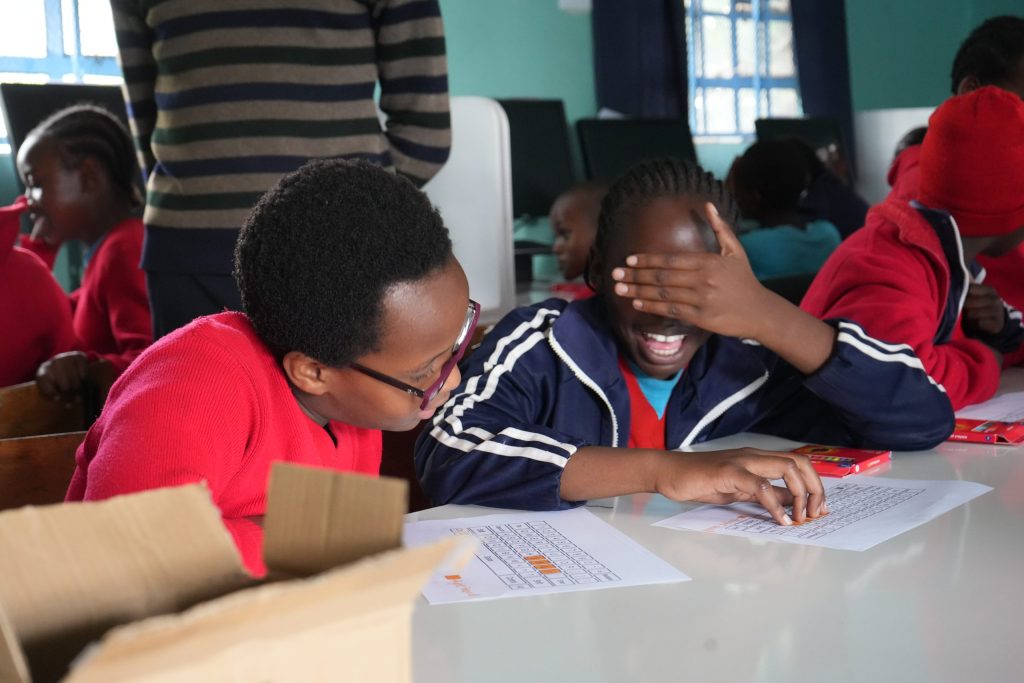
The more I observed students and teachers using the computers, the more I began thinking about keyboarding as a progression rather than a single activity that everyone should approach in the same way. Students at different grade levels have different developmental needs. Younger learners may first need keyboard recognition, finger awareness, and basic navigation. As they progress, students can gradually build letter-key familiarity, strengthen accuracy, expand their reach across the keyboard, and eventually move toward touch typing.
From those observations, I designed and developed the KMPF as a vertically aligned, mastery-based keyboarding curriculum spanning Preschool through Grade 9. Its purpose was to give teachers a sustainable structure for digital-literacy instruction rather than treating keyboarding as an isolated skill taught only when students happened to enter the computer lab. The framework also grew through collaboration with the teachers. What I observed in the lab, what educators experienced during professional learning, and the needs that emerged across grade levels helped standardize the framework’s learning objectives, success criteria, implementation model, and instructional resources. It made the KMPF a way of organizing and preserving what had developed through the work of the Founding Educator Cohort and providing a structure the school could continue adapting as its digital-literacy program matured.
From Teacher Exploration to the Digital Classroom Companion
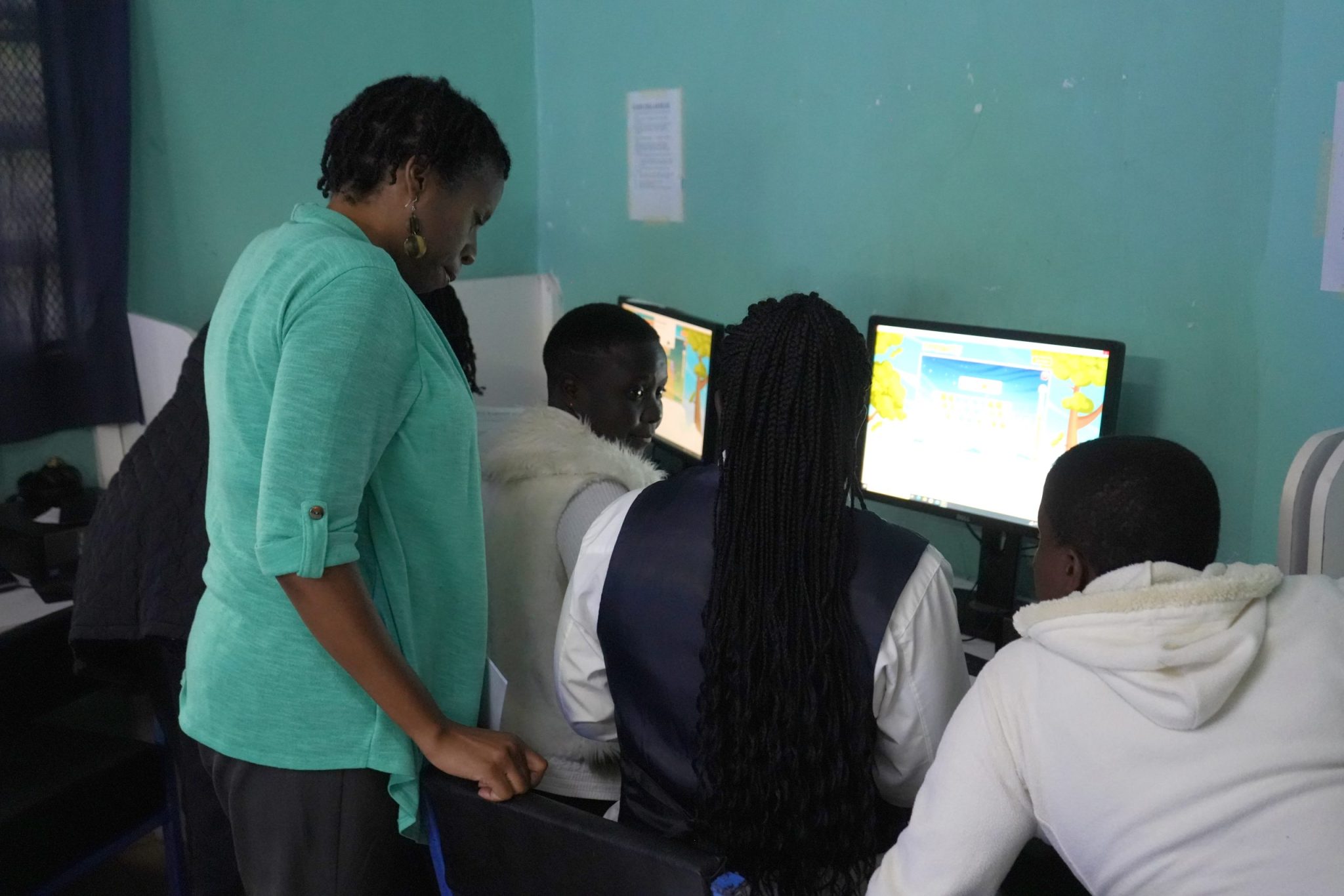
The same approach influenced the development of the Digital Classroom Companions. The teachers had already done much of the foundational work during the professional learning sessions. They explored digital activities, selected resources, considered how those resources connected with what they were teaching, and presented activities to one another. Rather than allowing that work to remain only within the training sessions, I began organizing and documenting what we had explored together.
The activities selected by the teachers became the foundation for what developed into the Digital Science Classroom Companion. Instead of creating a book separately from the school experience, the companion grew to preserve the activities they had explored, document the learning connections behind those activities, and give them a reference they could use when incorporating the resources into future lessons. This same work later expanded into additional Digital Classroom Companion development, including resources using the PhET Interactive Simulations for upper grade levels.
Over time, I could see how the different pieces connected. The Keyboarding Mastery Progression Framework documented how foundational computer skills could develop progressively across grade levels. The Digital Classroom Companions documented ways digital resources could be connected to classroom learning. The computer-lab procedures helped establish a more stable environment in which those resources could actually be used. Teacher professional learning connected all of those pieces by developing the people who would be responsible for carrying the work forward. Together, they became part of a larger system for strengthening digital learning rather than a collection of separate projects.
Building Sustainable Capacity
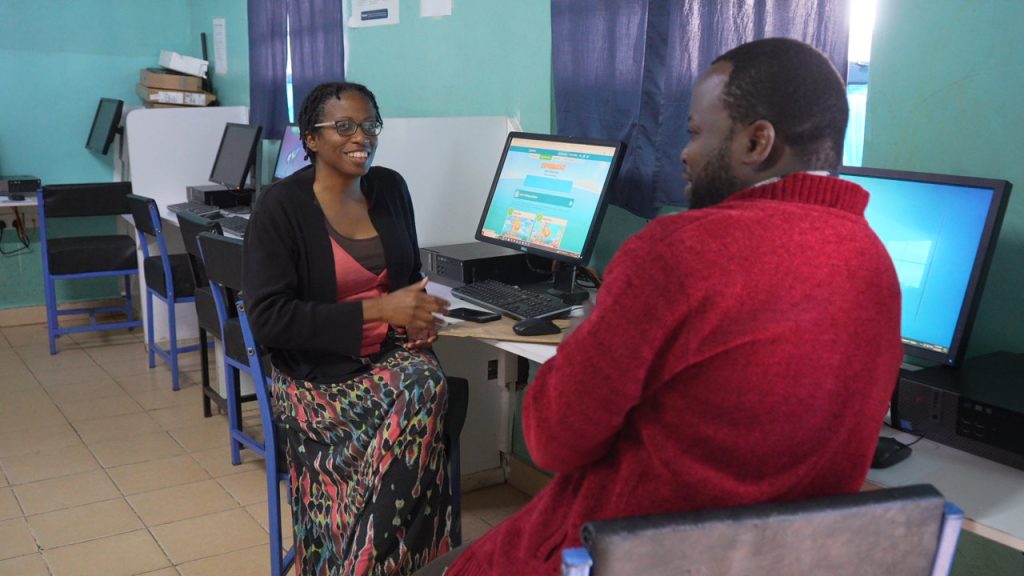
As I continued looking at everything we had worked on together, I kept coming back to what the teachers would actually need once I was no longer there. Leaving equipment behind would not be enough if teachers did not feel comfortable using it. Sharing websites would not be enough if no one remembered why a particular resource had been selected or how it connected to what students were learning. Even the curriculum resources I was beginning to develop would only be useful if they could become part of something the teachers understood and could continue using. I wanted the professional learning, computer-lab organization, instructional resources, and teacher involvement to support one another.
During the knowledge-sharing sessions, teachers had time to strengthen their own computer skills and explore educational technology before using those resources with students. When they later entered the lab with their learners, they were able to see how the activities worked in practice and begin making their own observations about what their students needed. As we worked through the computer lab itself, I also began looking at what would help the technology remain usable over time, including how accounts were managed, how software changes were handled, how instructional resources could be maintained, and which teachers could take greater responsibility for supporting the lab.
I knew I could continue providing guidance after returning to the United States, but I did not want the school to need me in order for the computers to be used or for digital learning to continue. The stronger approach was to help the teachers become increasingly comfortable with the resources and to put enough structure around the lab that they could continue making decisions within their own school.
This also shaped how I viewed the Keyboarding Mastery Progression Framework and the Digital Classroom Companions. I did not want to create materials that only documented what I had done. I wanted them to document what had developed through the work with the teachers and give them something practical to return to as they continued teaching.
The more these pieces came together, the more I began to understand sustainable capacity as something built over time. It was happening as teachers practiced new skills, shared resources, worked alongside their students, learned how the lab functioned, and gained tools that could help them continue without needing an outside educator standing beside them.
Knowing My Role
Working in Kangemi also helped me think more carefully about what my role should be as the instructional methods continue. There were things I could see that needed attention and areas where my own experience allowed me to provide that practical support in digital literacy and educational technology integration. I could help organize the computers, develop instructional systems, create curriculum resources, introduce hands-on tools, and make recommendations based on what I observed while using the lab with teachers and students. At the same time, being able to identify a need does not mean I have to be the person who meets every part of it.
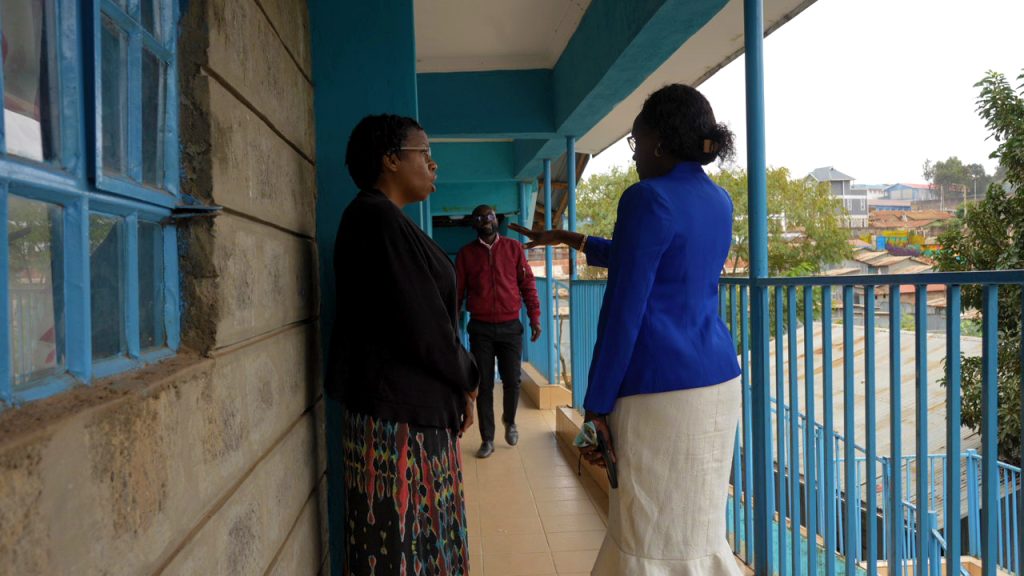
As I looked more closely at the school’s technology infrastructure, some areas could eventually benefit from people with deeper technical or specialized experience. Additional support may be needed as the network develops, as more equipment is added, or as the school begins exploring more advanced areas of programming, STEM, and educational technology. There may also be educators who can bring knowledge from other subject areas and help teachers find even more ways to connect the computer lab with what students are learning throughout the school.
For me, recognizing that does not lessen what I was able to contribute. It helps me understand where my contribution fits. I could help begin the process, work alongside the teachers, organize what was already available, document what we were developing, and make some of the needs more visible. From there, I can continue supporting the school while also helping connect the work with people who may have resources or expertise that can strengthen areas beyond my own.
I hope this part of the journey helps in documenting this experience. When people can see what the teachers are already doing, what resources the school already has, and where additional support could make a difference, there is an opportunity for others to contribute without overlooking or replacing the work that has already begun.
I do not want the story of Grace Harvest Academy & Junior School’s digital development to become a story about what one person came to Kenya and did. I would rather see it become a story about teachers who were willing to learn, a school that was willing to build with what it had, and people with different knowledge and resources coming alongside them as that work continues.
The Work Continues
When I think about my time at Grace Harvest Academy & Junior School, I do not want the value of the work to be measured only by what happened while I was physically there. I think more about what the teachers are able to continue building from what we started together. The train-the-trainer approach became important during the mission because I wanted the teachers to have time to develop their own confidence with the technology, explore resources before introducing them to students, and see how those tools could support the subjects they were already teaching. When students later came into the lab, the teachers remained part of the process and were able to observe how their students responded, where they needed help, and how the activities could be used again in their own classrooms.
After I returned home, I continued thinking about what resources could help support the teachers beyond the time we had spent together. The Keyboarding Mastery Progression Framework and Digital Classroom Companions were not requirements of the mission, and I did not create them simply to document what I had accomplished. I developed them because I wanted to preserve what had already begun with the teachers and give them something practical they could continue referring to as they strengthened digital learning at the school.
The work we did with the computer lab, teacher professional learning, curriculum resources, and technology recommendations all connected to the same goal. I wanted the school to have more than a temporary experience with technology. I wanted the teachers to have resources and systems they could continue using, adjusting, and building upon according to the needs of their students.
My visit to Kangemi had an ending, but I never saw that as the end of my connection to the work. The teachers would still be there with their students. The computer lab would still need to be used and maintained. Students would still need opportunities to strengthen their typing, navigation, problem-solving, and digital learning skills. As the school continues using the resources already available, the teachers will also be able to see more clearly where additional support, equipment, or training may be needed.
For me, continuing to support Grace Harvest Academy & Junior School does not mean remaining at the center of everything that happens next. I can stay connected, provide guidance when it is useful, continue developing resources, and help support opportunities that strengthen what the teachers and school are already building.
Through this experience, equipping teachers and inspiring learners came to mean more than what I could personally teach during a short visit. I wanted to help strengthen the teachers, resources, and systems that could allow the learning to continue after I returned home.
Kennesha
To learn more about Grace Harvest Academy and Junior School, visit: https://graceharvestjuniorschool.com/
Photography and Videography by M. Bolden
Videography by Rufas Shilenje